Terms of Service
Effective: March 27, 2026
1. Acceptance of Terms
By downloading, installing, or using PocketTrades ("the App"), you agree to be bound by these Terms of Service ("Terms"). If you do not agree to these Terms, do not use the App. The App is operated by David Stelck, operating as PocketTrades ("we", "us", "our").
2. Description of Service
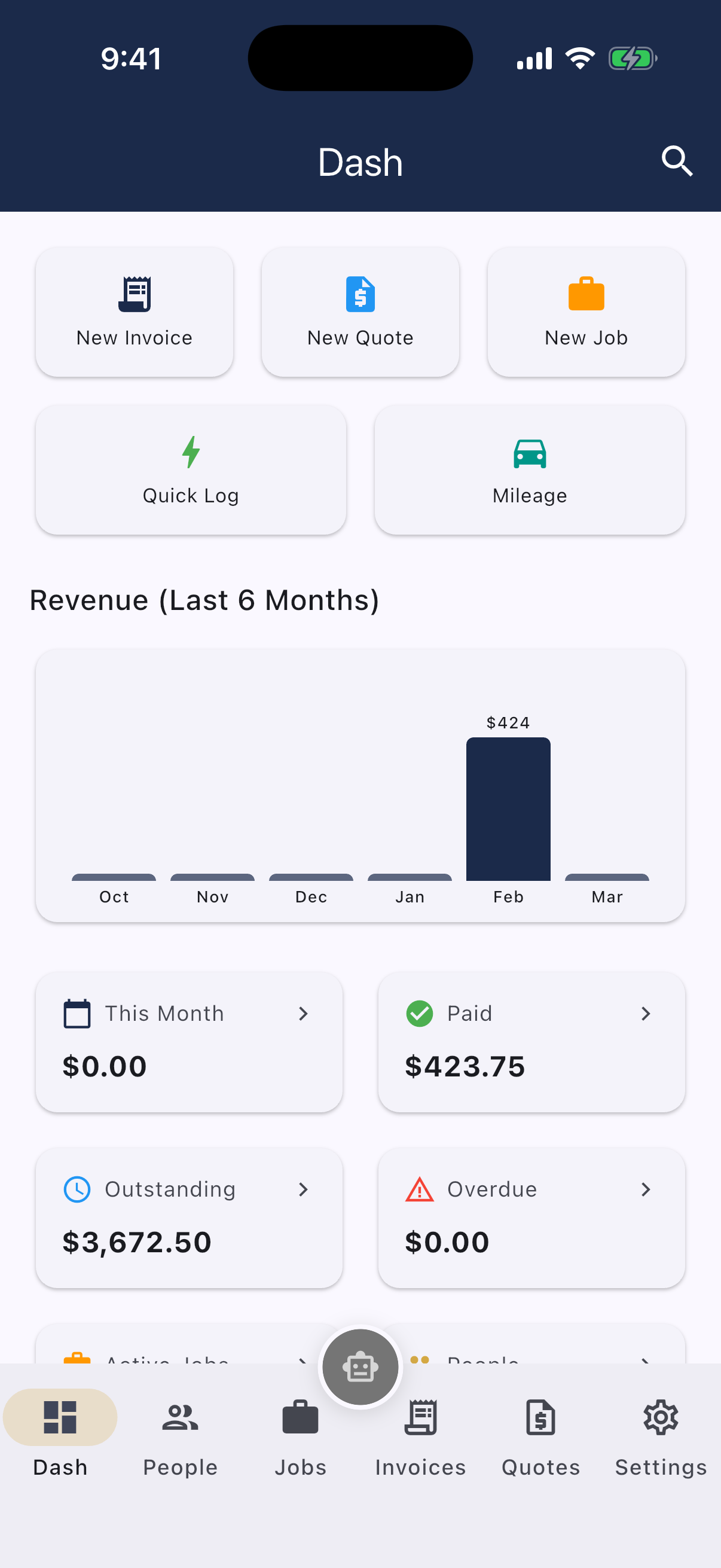
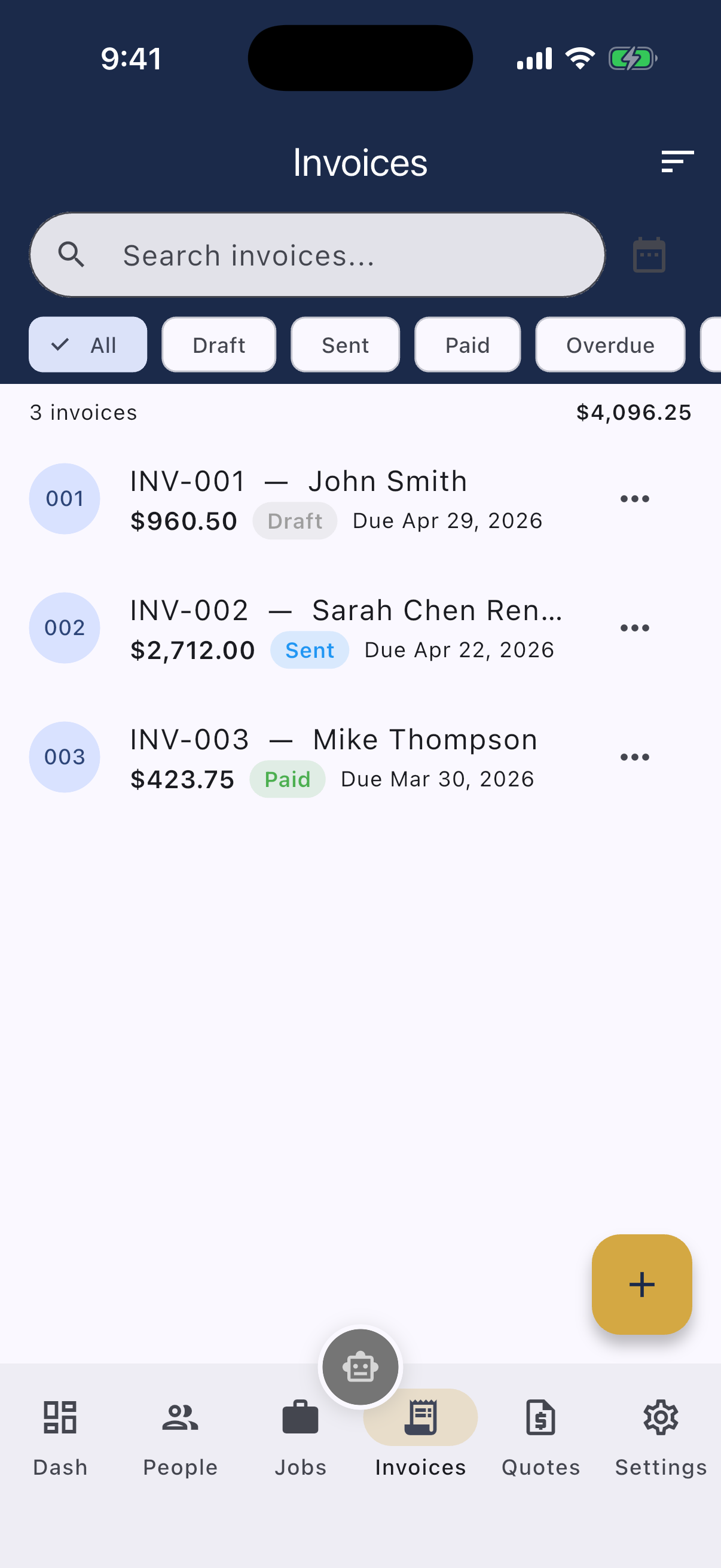
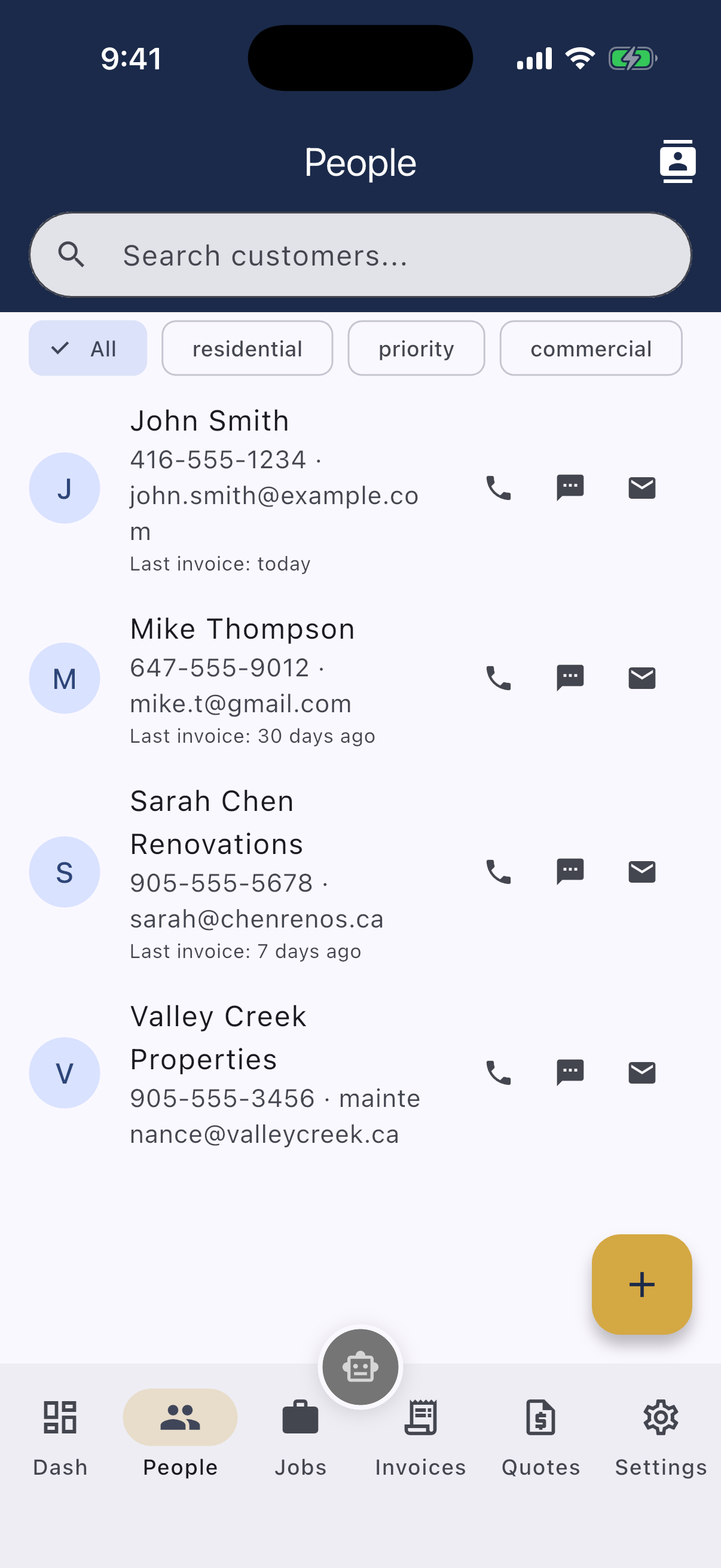
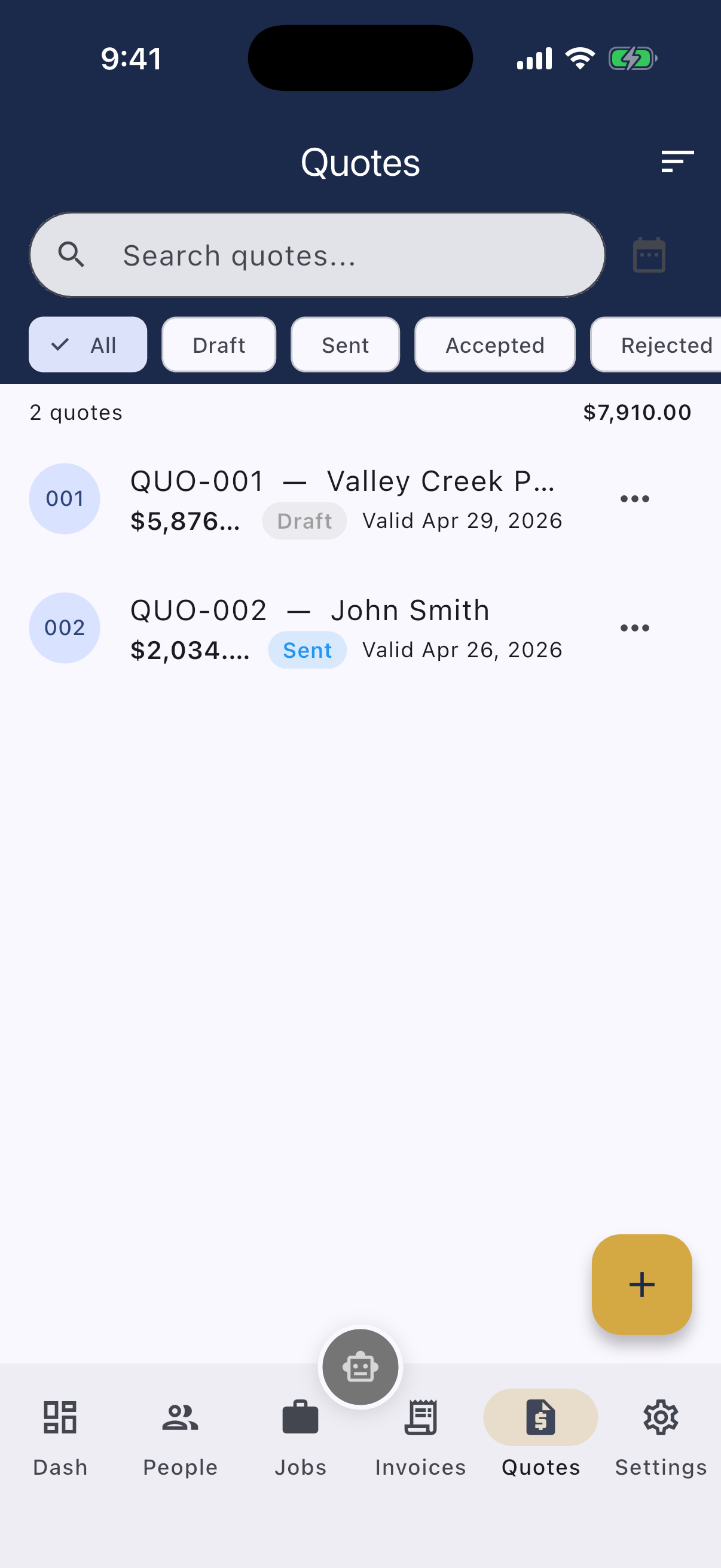
PocketTrades is a mobile application for tradespeople that provides invoicing, quoting, job scheduling, customer management, and business reporting tools. The App is designed for use in Canada and operates in Canadian Dollars (CAD).
3. Eligibility
You must be at least 18 years of age and legally capable of entering into binding contracts to use the App. By using the App, you represent and warrant that you meet these requirements.
4. Account and Data
The App operates with an offline-first architecture. Your business data is stored locally on your device using SQLite. Optional cloud synchronization is available through our backend services. You are responsible for maintaining the security of your device and any data stored on it.
5. Subscription and Payments
PocketTrades offers a free tier with limited features and a Pro subscription with full access.
- Monthly: TBD
- Annual: $119.99 CAD per year (save 33%)
- Lifetime: $299.00 CAD (one-time payment, mobile only)
Subscriptions are processed through the Apple App Store or Google Play Store. Billing, renewals, and cancellations are governed by the respective platform's terms. Prices are subject to change with reasonable notice.
6. Payment Processing (Stripe Connect)
The App integrates with Stripe Connect to allow you to accept payments from your customers on invoices. By using this feature, you agree to Stripe's Terms of Service and Connected Account Agreement. We are not responsible for payment disputes, chargebacks, or Stripe account issues.
7. AI Assistant (Chip)
The App includes an AI-powered assistant called Chip, powered by open-source language models (Qwen 2.5 family by Alibaba Cloud, licensed under Apache 2.0). Chip runs entirely on PocketTrades infrastructure in Canada. Chip provides general guidance, helps create invoices and quotes, and answers questions about the App. Chip's responses are generated by AI and should not be relied upon as professional, legal, financial, or tax advice. You are solely responsible for verifying any information provided by Chip. Pro subscribers receive an enhanced AI model for more accurate and capable assistance.
8. Acceptable Use
You agree not to:
- Use the App for any unlawful purpose
- Attempt to reverse engineer, decompile, or disassemble the App
- Transmit viruses, malware, or other harmful code
- Use the App to harass, abuse, or harm others
- Interfere with or disrupt the App's infrastructure
9. Intellectual Property
All content, features, and functionality of PocketTrades are the exclusive property of David Stelck, operating as PocketTrades and are protected by Canadian and international copyright, trademark, and intellectual property laws.
10. Disclaimer of Warranties
THE APP IS PROVIDED "AS IS" AND "AS AVAILABLE" WITHOUT WARRANTIES OF ANY KIND, EITHER EXPRESS OR IMPLIED, INCLUDING BUT NOT LIMITED TO IMPLIED WARRANTIES OF MERCHANTABILITY, FITNESS FOR A PARTICULAR PURPOSE, AND NON-INFRINGEMENT.
11. Limitation of Liability
TO THE MAXIMUM EXTENT PERMITTED BY APPLICABLE LAW, WE SHALL NOT BE LIABLE FOR ANY INDIRECT, INCIDENTAL, SPECIAL, CONSEQUENTIAL, OR PUNITIVE DAMAGES. OUR TOTAL LIABILITY SHALL NOT EXCEED THE AMOUNT YOU HAVE PAID FOR THE APP IN THE TWELVE (12) MONTHS PRECEDING THE CLAIM.
12. Governing Law
These Terms shall be governed by and construed in accordance with the laws of the Province of Manitoba and the federal laws of Canada applicable therein.
13. Changes to Terms
We reserve the right to modify these Terms at any time. We will notify you of material changes through the App or by email. Your continued use of the App constitutes acceptance of the revised Terms.
14. Contact
If you have any questions about these Terms, please contact us at [email protected].
Privacy Policy
Effective: March 27, 2026
1. Introduction
David Stelck, operating as PocketTrades ("we", "us", "our") operates PocketTrades. This Privacy Policy explains how we collect, use, disclose, and safeguard your information when you use our mobile application.
2. Information We Collect
Information You Provide:
- Business profile information (business name, address, phone, email, tax number)
- Customer records (names, addresses, phone numbers, emails)
- Invoice and quote data (line items, amounts, dates, notes)
- Job scheduling information
- Payment records and expense records
- Communications with Chip (see Data Retention section for details)
- Voice input: If you use voice input with Chip, audio is processed locally on your device. We do not record, store, or transmit audio data.
Information Collected Automatically:
- Device information (device type, operating system)
- App usage analytics and crash reports
- Subscription status
Information We Do NOT Collect:
- We do not access your contacts unless you use the Contact Import feature
- We do not access your camera, microphone, or location without permission
- We do not sell your personal information to third parties
3. How Your Data Is Stored
Local Storage: The App is offline-first. All your business data is stored locally on your device using SQLite and is accessible without an internet connection.
Cloud Synchronization: If you opt into cloud sync, data is encrypted in transit (TLS) and at rest (AES-256) and stored in data centres in Canada or the United States.
Secure Storage: Sensitive credentials are stored using platform-native secure storage (Keychain on iOS, EncryptedSharedPreferences on Android).
4. How We Use Your Information
- Provide and maintain the App's core functionality
- Process your subscription and manage your account
- Generate invoices, quotes, and PDF documents
- Provide AI-powered assistance through Chip
- Improve the App through anonymized usage analytics
- Respond to support requests
5. Third-Party Services
Supabase: Authentication and cloud data sync. Subject to Supabase's Privacy Policy.
Stripe Connect: Payment processing on invoices. Subject to Stripe's Privacy Policy.
Apple App Store / Google Play Store: Subscription billing. Subject to their respective privacy policies.
AI Processing (Chip): Chip is powered by open-source AI language models (Qwen 2.5 family by Alibaba Cloud, licensed under Apache 2.0). These models run entirely on our own infrastructure in Canada. Anonymized conversation logs may be temporarily retained for up to 30 days for service improvement and abuse prevention, after which they are automatically deleted. Your data is not shared with any third party and is not used to train AI models.
6. Data Retention
Local Data: Persists on your device until you uninstall the App or clear its data. You have full control.
Cloud Data: Retained while your account is active. Permanently deleted within 30 days of account deletion request.
AI Conversations: Conversations with Chip are processed in real-time. Anonymized conversation logs may be temporarily retained for up to 30 days for service improvement and abuse prevention, after which they are automatically deleted. No conversation content is shared with third parties or used to train AI models.
Business Records: Invoices, quotes, payments, and expenses are retained as long as your account is active. These are essential for your bookkeeping and CRA tax filings. You may export or delete at any time.
7. Your Rights Under PIPEDA (Federal)
Under the Personal Information Protection and Electronic Documents Act, you have the right to:
- Access your personal information held by us
- Request correction of inaccurate information
- Request deletion of your data
- Withdraw consent for data processing
- Export your data in a portable format
- File a complaint with the Office of the Privacy Commissioner of Canada
8. Additional Rights for Quebec Residents (Law 25)
If you reside in Quebec, you have additional rights under the Act respecting the protection of personal information in the private sector, including:
- The right to data portability in a commonly used format
- The right to be informed of any automated decision-making that affects you
- The right to request de-indexing of your personal information
- The right to be informed if your data is transferred outside Quebec
We confirm that: the App does not use automated decision-making that produces legal effects; cloud data stored outside Quebec is protected under contractual protections equivalent to Quebec privacy standards; and we conduct privacy impact assessments as required by Law 25. Quebec residents may file a complaint with the Commission d'accès à l'information du Québec (CAI).
9. Children's Privacy
The App is not intended for use by anyone under 18. We do not knowingly collect personal information from children.
10. Security
We implement industry-standard security measures including encryption in transit (TLS), encryption at rest (AES-256), secure credential storage, and row-level security on cloud databases.
11. Changes to This Policy
We may update this Privacy Policy from time to time. We will notify you of material changes through the App or by email.
12. Contact
Email: [email protected]
Website: https://pockettrades.ca
End User License Agreement
Effective: March 27, 2026
1. Agreement
This End User License Agreement ("EULA") is a legal agreement between you ("User") and David Stelck, operating as PocketTrades ("Licensor") for the use of PocketTrades ("the App"). By installing or using the App, you agree to be bound by this EULA.
2. License Grant
The Licensor grants you a limited, non-exclusive, non-transferable, revocable license to download, install, and use the App on devices that you own or control, solely for your personal or internal business purposes.
3. License Restrictions
You may not:
- Copy, modify, or distribute the App
- Reverse engineer, decompile, or disassemble the App
- Rent, lease, lend, sell, or sublicense the App
- Remove or alter any proprietary notices
- Use the App to develop a competing product
4. Ownership
The App is licensed, not sold. The Licensor retains all right, title, and interest in the App, including all intellectual property rights.
5. Subscription Terms
- Free Tier: Core features with usage caps
- Pro Monthly: TBD with full access
- Pro Annual: $119.99 CAD/year with full access (save 33%)
- Pro Lifetime: $299.00 CAD one-time with perpetual access (mobile only)
Subscriptions auto-renew unless cancelled at least 24 hours before the end of the billing period. Manage subscriptions through your device's app store settings.
6. Updates
The Licensor may release updates that modify or remove features. The Licensor has no obligation to provide updates or maintain particular features.
7. AI Assistant
The App includes Chip, an AI assistant powered by open-source language models (Qwen 2.5 by Alibaba Cloud, Apache 2.0 license). All AI processing occurs on PocketTrades infrastructure in Canada. Pro subscribers receive an enhanced model. AI-generated responses are not professional advice and must be verified by the user.
8. Data and Privacy
Your use of the App is governed by our Privacy Policy, incorporated by reference into this EULA.
9. Disclaimer of Warranties
THE APP IS PROVIDED "AS IS" WITHOUT WARRANTY OF ANY KIND. THE LICENSOR DISCLAIMS ALL WARRANTIES, WHETHER EXPRESS, IMPLIED, OR STATUTORY.
10. Limitation of Liability
THE LICENSOR SHALL NOT BE LIABLE FOR ANY INDIRECT, INCIDENTAL, SPECIAL, OR CONSEQUENTIAL DAMAGES. TOTAL LIABILITY SHALL NOT EXCEED THE AMOUNT PAID IN THE TWELVE (12) MONTHS PRECEDING THE CLAIM.
11. Termination
This EULA is effective until terminated. Your rights terminate automatically if you fail to comply with any terms. Upon termination, you must cease use and delete all copies.
12. Severability
If any provision is held unenforceable, the remaining provisions continue in full force and effect.
13. Governing Law
This EULA is governed by the laws of the Province of Manitoba and the federal laws of Canada applicable therein.
14. Contact
For questions about this EULA, contact us at [email protected].
 Coming Soon
 Coming Soon